Home Document
⌘K
Version 1.1

Updates

Webhook Security Enhancements

New security options have been added to Webhooks, including support for signatures and custom security headers. These features allow you to verify that incoming webhooks are authorized and ensure that only trusted systems can send data into your application.
New Login and Signup Layouts

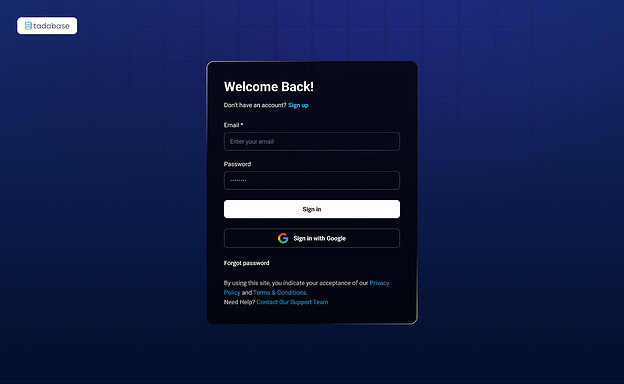
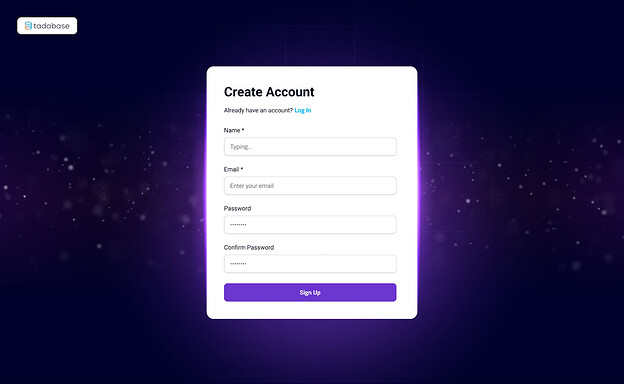
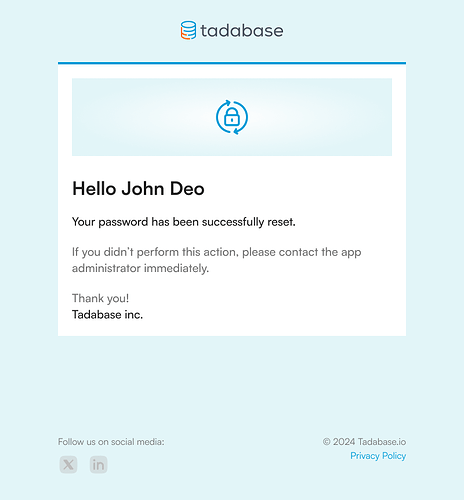
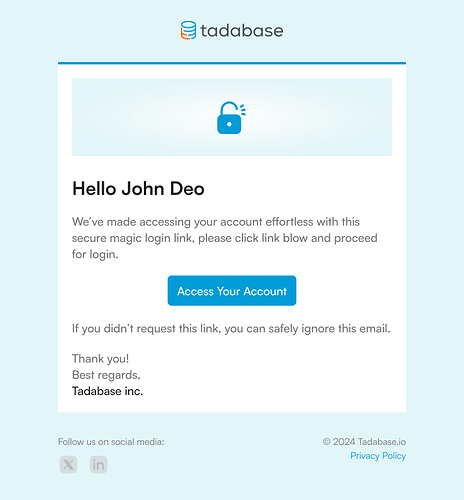
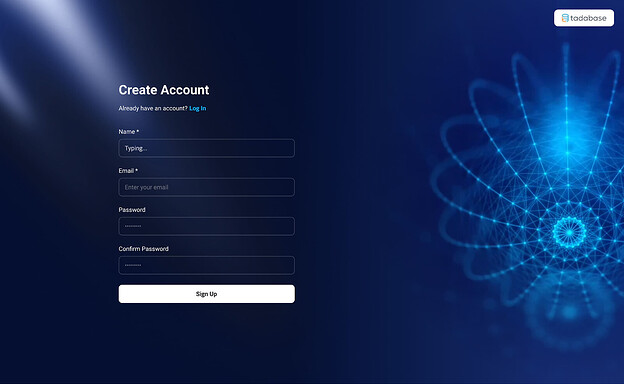
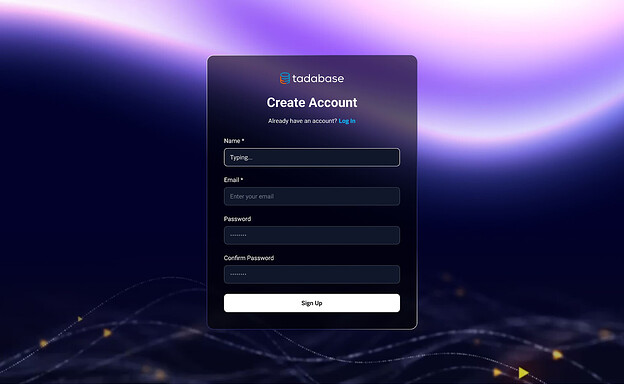
New Login and Signup layouts have launched, offering expanded customization options and more modern design choices. These updates give you greater flexibility in how you present access points to your users.

Here’s a preview of some of the new options:


Refreshed User Interface and New Builder Help

Updated User Interface

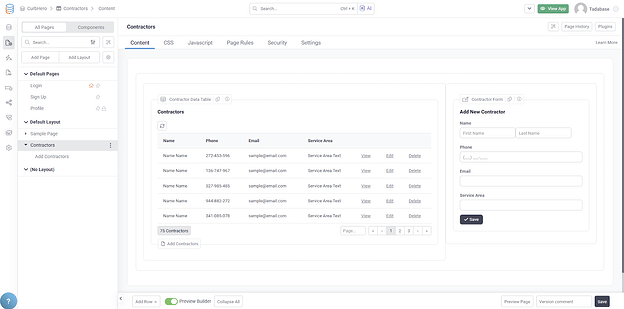
The refreshed UI is live tonight for US based servers. This update delivers a cleaner, more intuitive interface designed to improve navigation and enhance the overall building experience.


Contextual and Inline Help in the Builder

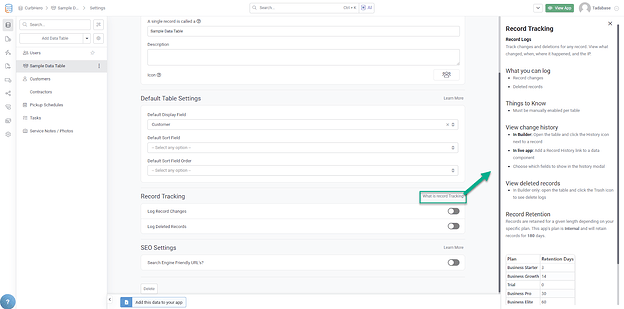
We’ve added extensive contextual and inline help throughout the builder. These new guides reference your existing app configuration and subscription details to provide tailored answers and clearer guidance as you work. This makes it easier to understand available features and how they apply within your specific app.

New Pipes

Copy Files Pipe
A new pipe has been added that allows you to copy files from one record to another. Simply provide the source file field and the destination field, and the pipe will copy each file to the new location one by one.

Email Domain Verification Pipe
Based on community requests, we’ve introduced a pipe that validates whether the email used in a signup form belongs to an approved domain list. While domain restrictions already exist natively in Tadabase, this pipe gives you more granular control by allowing the validation to apply only to specific forms or signup components.

File Deletion Enabled Across All Apps

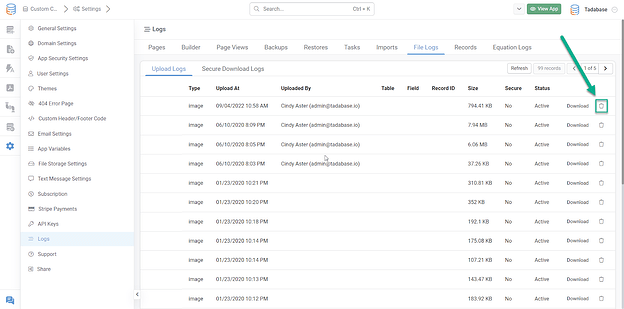
You can now delete files directly from their location within any app. This provides greater control over file management and helps keep your applications organized.

Important notes:

  • If an app was created as a copy of another app, both apps reference the same underlying files. Copied apps do not create new file instances.

  • Deleting a file from either app in this scenario will remove it from both.

  • Dropbox files cannot be deleted through this feature. Since they originate from your own Dropbox account, they must be removed directly from Dropbox.

A batch delete option based on defined criteria is currently in development.

Card Tooltips

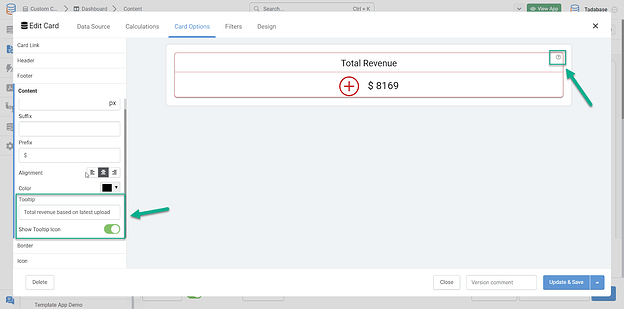
A new tooltip option has been added to Card components. This allows you to provide additional context or explanations behind the values displayed, giving users clearer insight into the data they’re viewing.

Security Updates

Max Character Restriction
Field names now have a maximum limit of 100 characters. This helps ensure consistent formatting and improves overall system reliability.

Rating Field Validation
Additional validation has been added to rating fields to ensure they are always treated as numeric values, improving data integrity across your applications.

PDF Password Placeholder in Action Rules
You can now use a PDF password placeholder within action rules. This allows you to dynamically assign passwords to PDFs generated through your workflows, providing stronger document protection.

Data Tracking Enhancements and Task Failure Alerts

Created and Updated Date Columns

We added new Created Date and Updated Date columns to the import and export template pages. This makes it easier to track changes, review data history, and maintain cleaner data management workflows.

Scheduled Task Failure Notifications

If a scheduled task fails, you’ll now receive an automatic email with details about the failure. This gives you quicker insight into what went wrong so you can resolve issues faster and keep workflows running smoothly.

Design and Layout Updates

We’ve introduced several new modern design options across the platform, including refreshed layouts, login pages, and signup pages. These updates bring a more polished and contemporary look to your applications.

In addition, automated logo replacement has been added to simplify branding setup and reduce manual work.

Check it out:

AI Prompts Overview Video

AI Prompts let you automate AI-driven responses using real-time data from your app. You can build dynamic prompts to expand job descriptions, suggest salaries, or answer data-based questions instantly.

Key Features:

  • Customize AI prompts using dynamic variables

  • Automate responses with Trigger AI Prompt buttons

  • Query your app’s data for immediate insights

This video walks through how to set it all up and use it effectively.

Search Results